
End-of-Year Digital Checklist for Australian Small Businesses

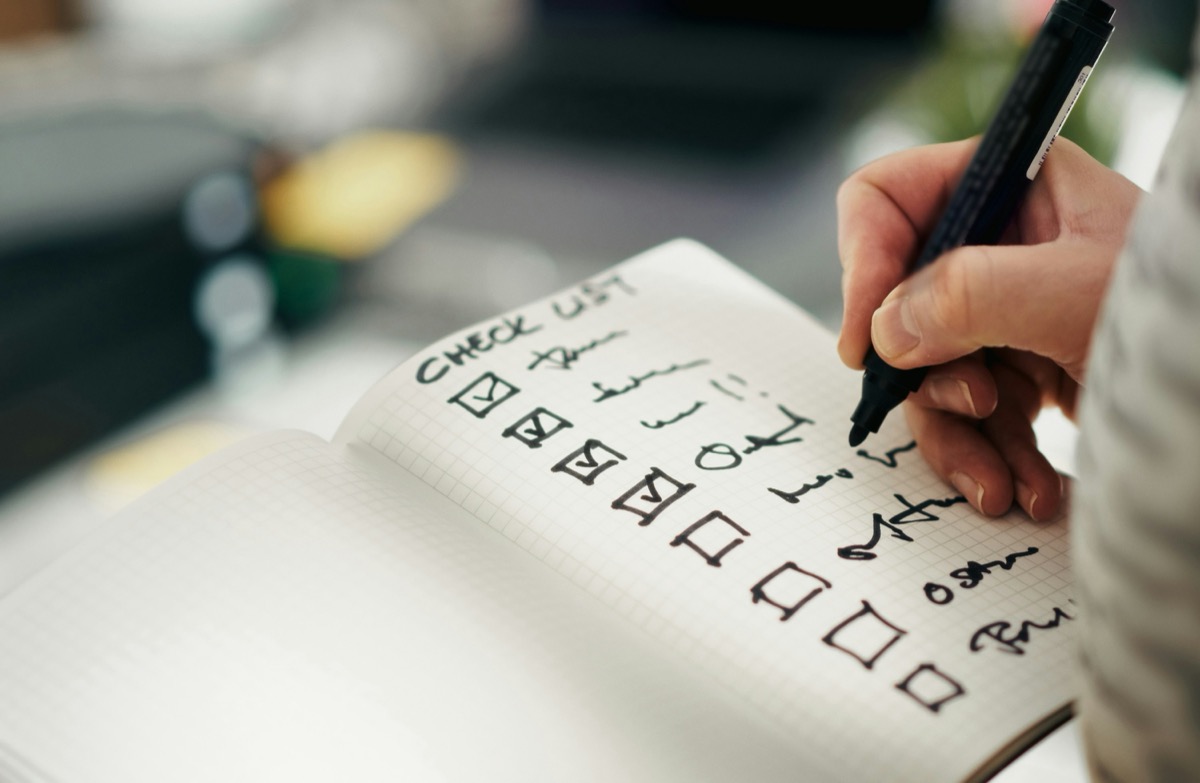
November is the right time to get your digital presence in order. Problems tend to surface at the worst possible moment: a website down on Christmas Eve, a domain that lapses in January, a contact form nobody has checked since August. Working through this checklist now, while there is still time to act, means you will start 2027 in much better shape.
Check your website is working properly
The basics matter more than you think. A slow page, a broken link, or a form that silently fails can cost you enquiries during the busiest season of the year.
Run your site through Google PageSpeed Insights on both mobile and desktop. If your score is below 60 on mobile, there is usually a quick win available, often oversized images or unused scripts. Make sure your contact and enquiry forms are actually sending messages. Submit a test enquiry yourself and confirm it arrives.
Check your mobile layout on a real phone, not just a browser preview. Buttons that are too small, text that overflows the screen, and pop-ups that block the page are all things that drive visitors away before they contact you.
If your site is running WordPress, check that your plugins and theme are up to date. Outdated plugins are the most common entry point for a website hack, and nobody wants to deal with that in January.
Update your Google Business Profile
Your Google Business Profile is often the first thing a customer sees when they search for your business. If your hours are wrong over the Christmas period, you will get calls and visits from people who think you are open when you are not.
Log in to your profile now and add your holiday trading hours. Google lets you set specific dates for temporary changes, so you do not need to remember to change them back. While you are there, add a few recent photos, respond to any unanswered reviews, and update your business description if it is out of date.
A complete, accurate profile also helps your local search rankings. If you need help setting yours up properly, local SEO is something we work on with businesses across the South Coast.
Check your domain and hosting renewals
This one catches people out more often than it should. If your domain lapses, your website goes offline and your business email stops working. Registrars send renewal reminders, but they go to an old email address, they get caught in spam filters, and by the time anyone notices the site is down, it has been offline for days.
Log into your domain registrar and check when your domain expires. If it is coming up in the next three to six months, renew now. Turn on auto-renewal if it is not already on. Do the same for your hosting plan.
If your domain is registered through Webics, we manage renewals for you. If you are unsure where your domain is registered, check your email for the original purchase receipt, or contact us and we can look it up.
Back up your website
A backup is what saves you when something goes wrong: a bad plugin update, a hack, or accidental file deletion. Most hosting providers offer automated backups, but they are not always reliable, and they may only keep a few days of history.
Before the holiday period, do a manual backup of your website files and database. Store a copy somewhere separate from your hosting account, such as Google Drive or Dropbox. Test that the backup actually opens and contains what you expect.
If your site is on managed hosting through Webics, your backups are handled for you. If you are on shared hosting elsewhere, it is worth confirming the backup schedule with your provider.
Prepare for the break
If your business is closing for a week or two, tell people before it happens. Update your website with your closure dates and set up an email autoresponder so enquiries get a reply rather than silence.
Make sure someone has access to website admin and email accounts in case something needs attention over the break. Store login details somewhere secure, such as a password manager, rather than leaving them in an inbox.
Plan a few social media posts or a short email to your list for early January. Coming back with something to say is a simple way to reconnect with clients and start the year with some momentum.
Review who has access to your accounts
The end of the year is a good time to do a quick audit of who can access your business accounts. Former staff members, old contractors, and test accounts you forgot about can all become security risks over time.
Check the user accounts on your website, Google Business Profile, social media pages, email platform, and hosting account. Remove anyone who no longer needs access. Make sure admin accounts are using strong passwords and multi-factor authentication.
It takes longer the first time you do it. After that, keeping things tidy is straightforward.
Working through this list takes a few hours but it is worth every minute. If you find something that needs attention and are not sure where to start, get in touch with the Webics team. We work with businesses across the NSW South Coast on websites, hosting, and all the digital pieces in between.
See more from us in Google Search.